

Have you been told cold email infrastructure is too technical for a founder to set up? It isn’t. The actual work fits in an afternoon, the technical concepts are unfamiliar but not hard, and you don’t need a DevOps background to run any of it.
I set up infrastructure for the founders I work with, and the same questions come up over and over. This article walks through every layer: how many domains and inboxes you need, how DNS records work, how warmup runs in the background, and the mistakes that burn domains. For the broader picture of running cold email in-house, infrastructure is week one of a four-week setup.
What “infrastructure” means for cold email
Cold email infrastructure is four things working together:
- Domains. Web addresses you own, separate from your main brand domain.
- Inboxes. Email accounts living on those domains, usually 3 per domain.
- DNS records. Settings on your domain that tell mail providers your sends are legitimate.
- Warmup. Automated traffic that builds your sender reputation before real campaigns start.
The job of all four is the same: convince Google and Outlook that emails from you should land in inboxes, not spam. When any one is broken, deliverability tanks and the rest of cold email stops working. Infrastructure is system 1 in the 4 systems framework; the other three (list, message, process) only matter when this layer is healthy.
How many domains and inboxes do you need?
The numbers depend on volume. The math:
- Each Google Workspace inbox safely sends 30 to 50 cold emails per day after warmup.
- 3 inboxes per domain is standard.
- 5 to 10 domains covers most use cases (1,000 to 5,000 emails per day).
A typical setup: 6 domains × 3 inboxes = 18 inboxes × 35 sends/day = about 630 emails per day.
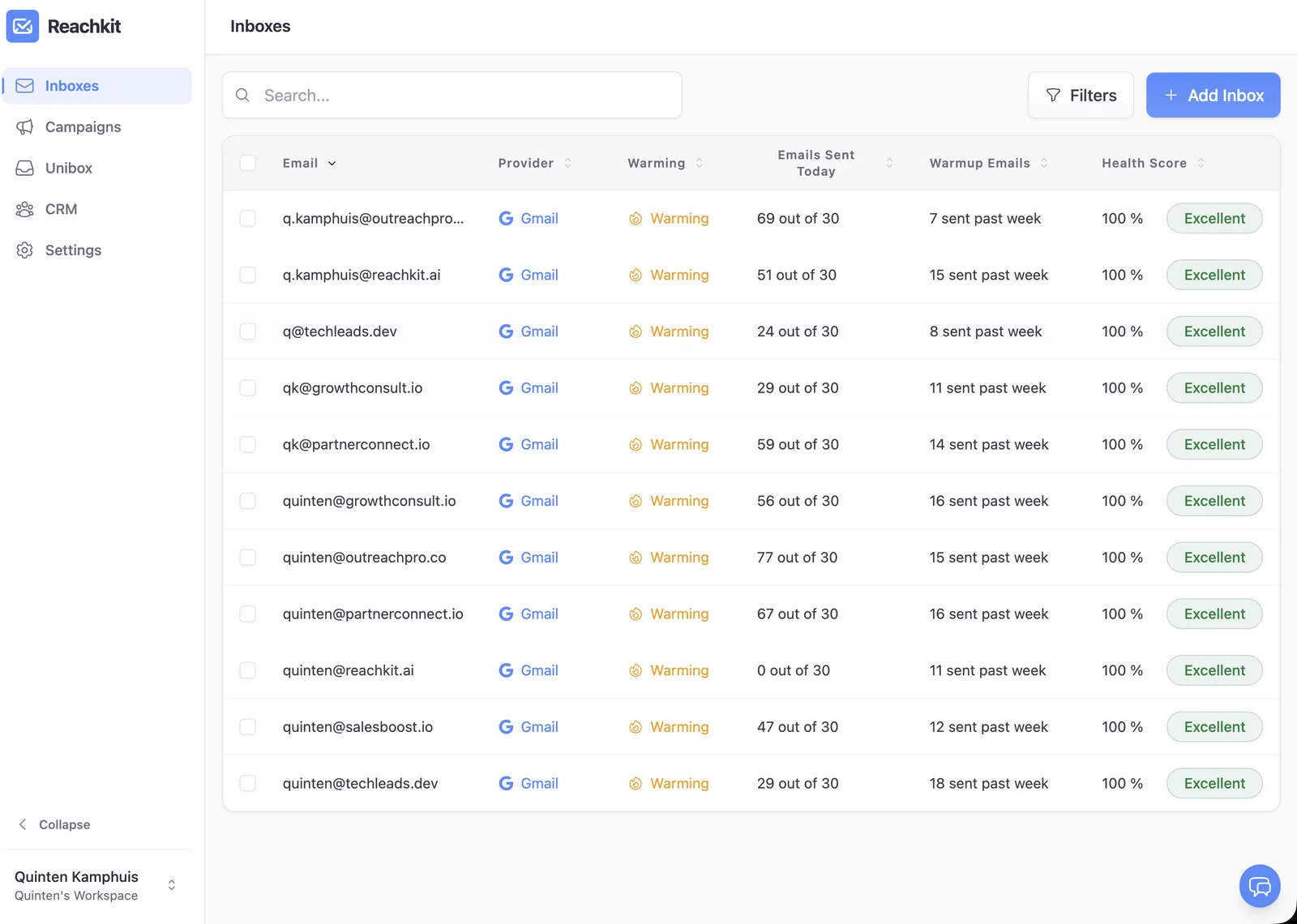
Scale up by adding domains, not by sending more from existing inboxes. One inbox sending 100 cold emails a day is a fast path to a burned domain.
Buying domains the right way
Domains for cold email aren’t your main brand domain. You buy variations to keep your main domain protected from any deliverability issues.
What to buy:
- Extensions: .com if available, .co or .io as backups.
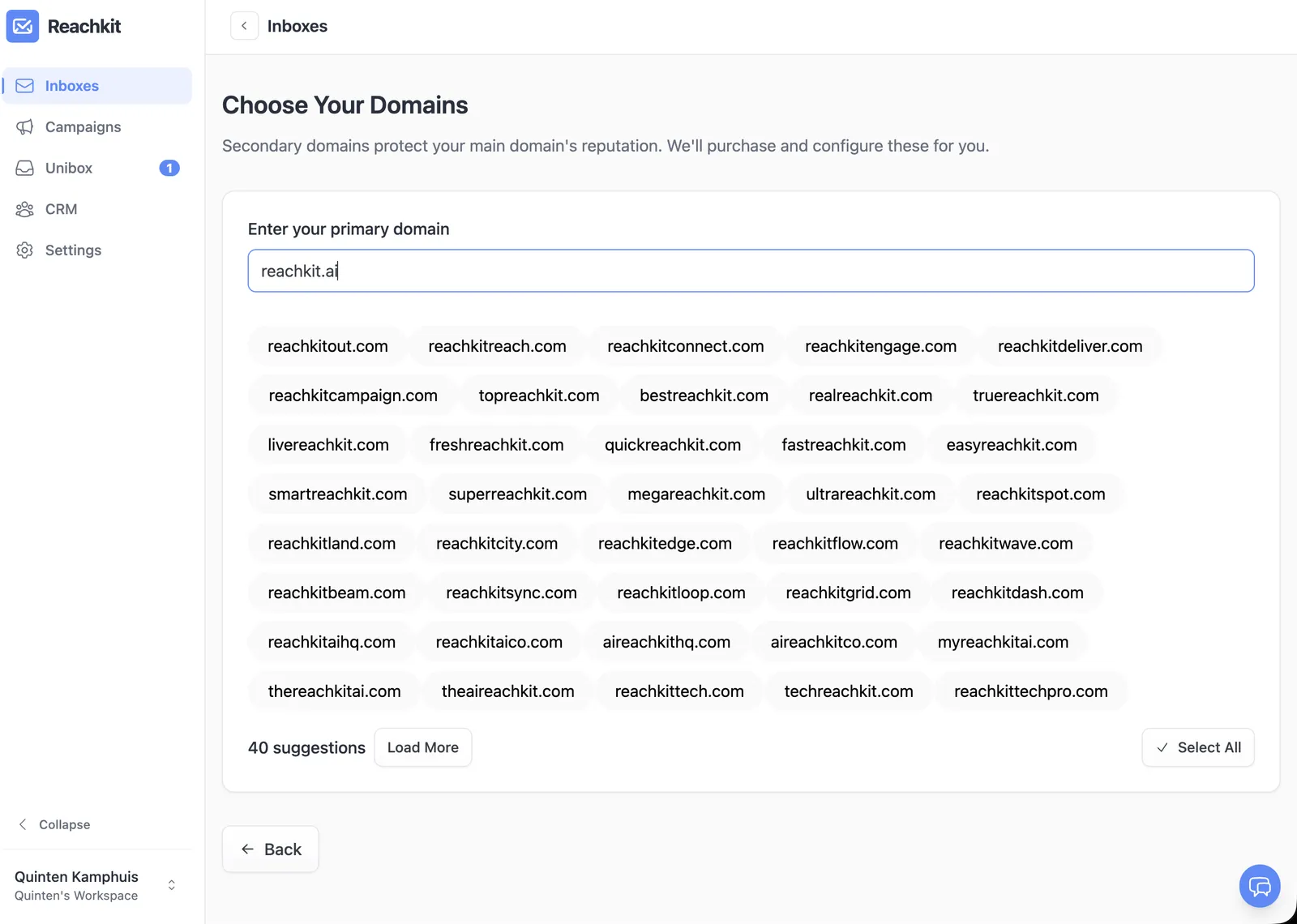
- Variations on your brand: patterns like “[brand]hq.com”, “get[brand].com”, “try[brand].com”.
- Avoid hyphens and numbers. Mail filters are suspicious of them.
Where to buy: Namecheap, Cloudflare Registrar, or Google Domains. Cost is $10 to $20 per domain per year, less in bulk.
If you’d rather skip the registrar work, Reachkit provisions domains in one click. Same underlying registrar, no manual setup.
DNS records explained without making it scary
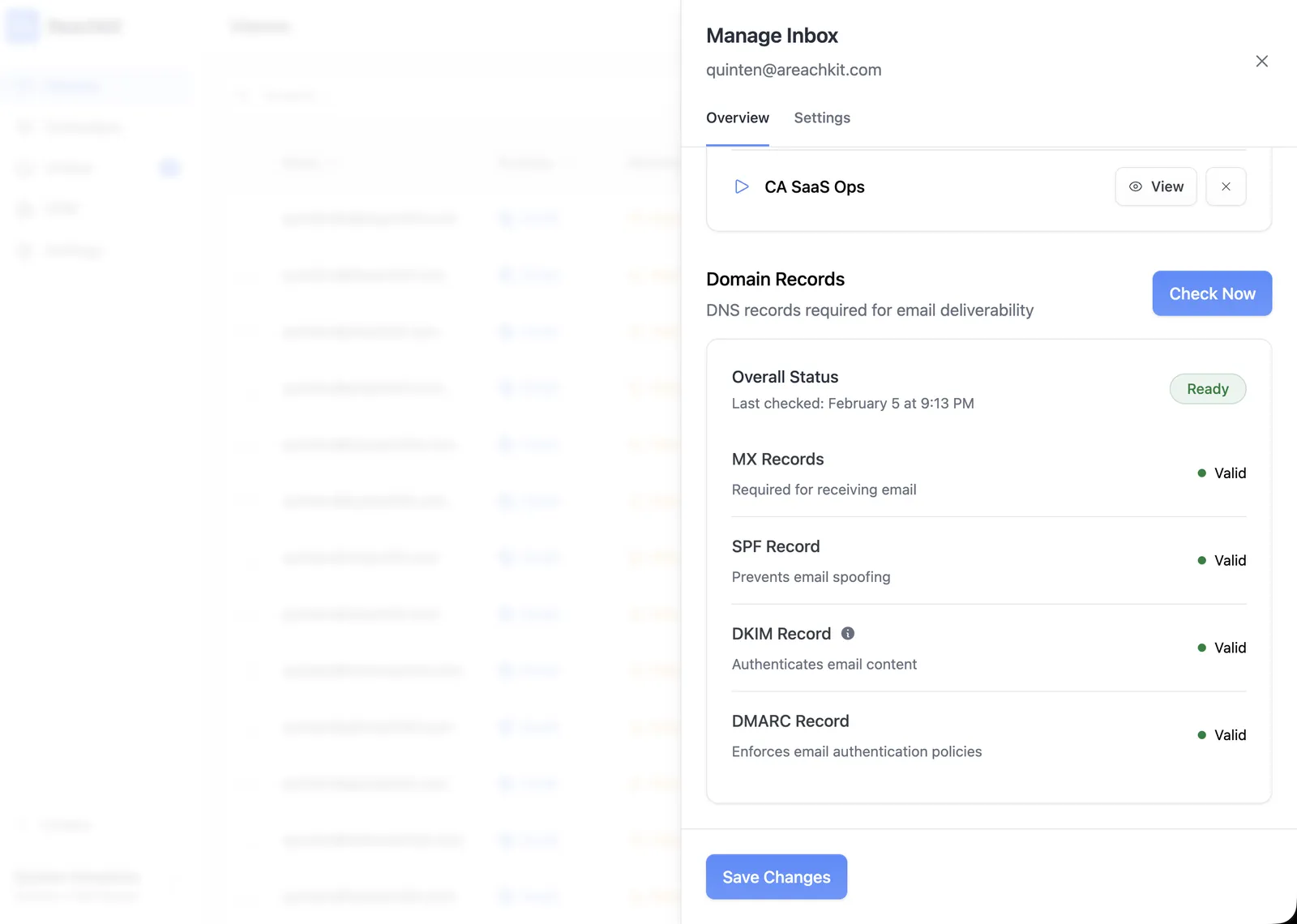
Three DNS records make Google and Outlook trust your sends. They sound technical because they have acronyms, but each one is a single text entry on your domain.
- SPF. Says “these servers are allowed to send mail for this domain.” Google Workspace gives you the exact value to paste in.
- DKIM. A cryptographic signature that proves emails really came from your domain. Google Workspace generates it; you paste it once.
- DMARC. A policy that tells receivers what to do if SPF or DKIM fail. Start with “p=none”, tighten as deliverability proves stable.
Setup time per domain: about 10 minutes once you’ve done it once. Your platform tells you exactly what to paste; you copy, save, move on.
Setting up your inboxes
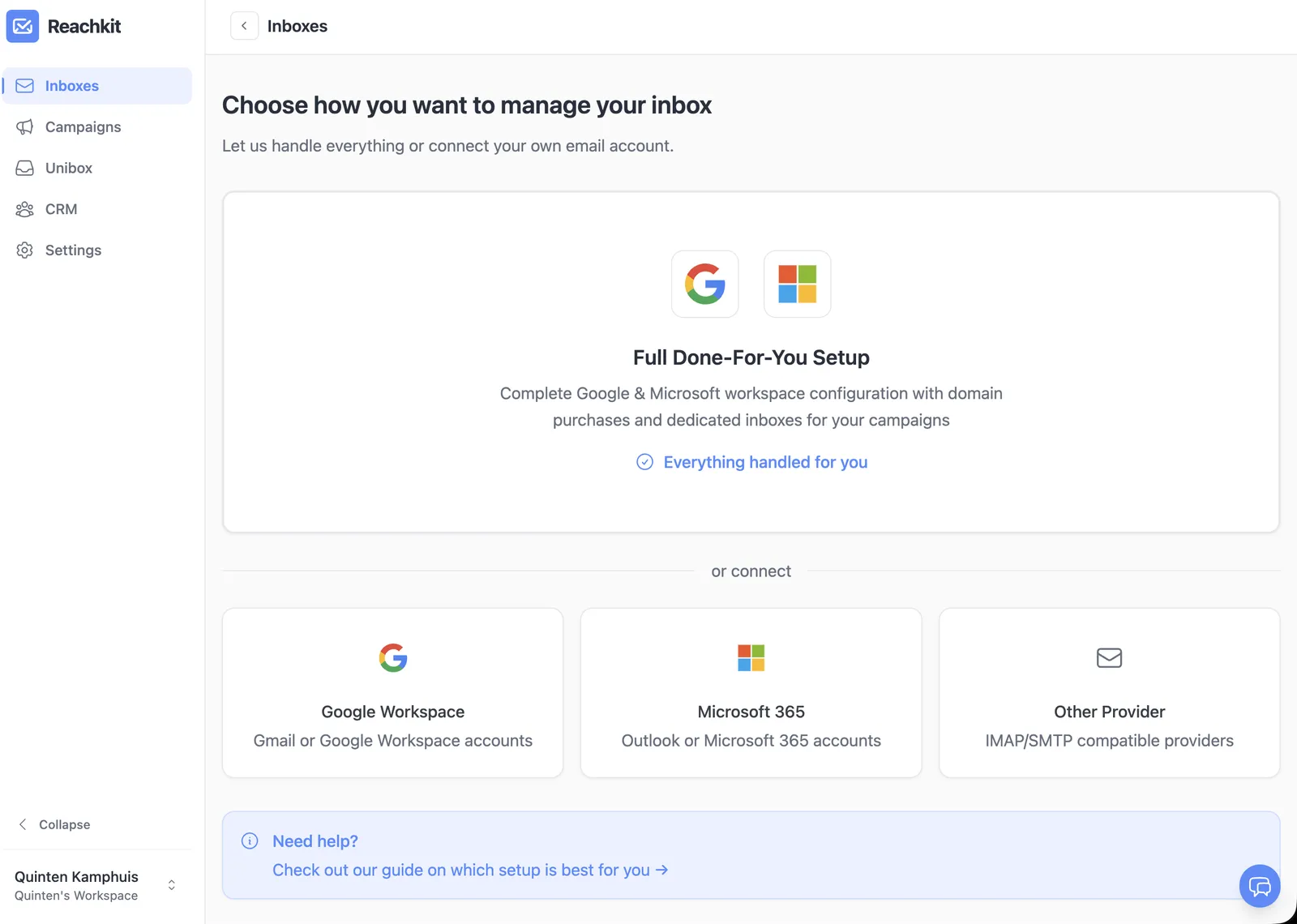
Once domains are pointed at Google Workspace and DNS is set, inboxes take about 2 minutes each:
- Create users in Workspace with the first-name @ your-domain format.
- Set the password.
- Connect each inbox to your sending platform via OAuth or app password.
The naming pattern matters. Use real first-and-last names, not “info@” or “team@” addresses; those look like marketing automation and tank reply rates. “alex@gettryreachkit.com” looks like a person; “info@gettryreachkit.com” doesn’t.
Profile photos and signatures are optional but they help. People reply to people, not to disembodied addresses.
Warmup: how it works, what to expect
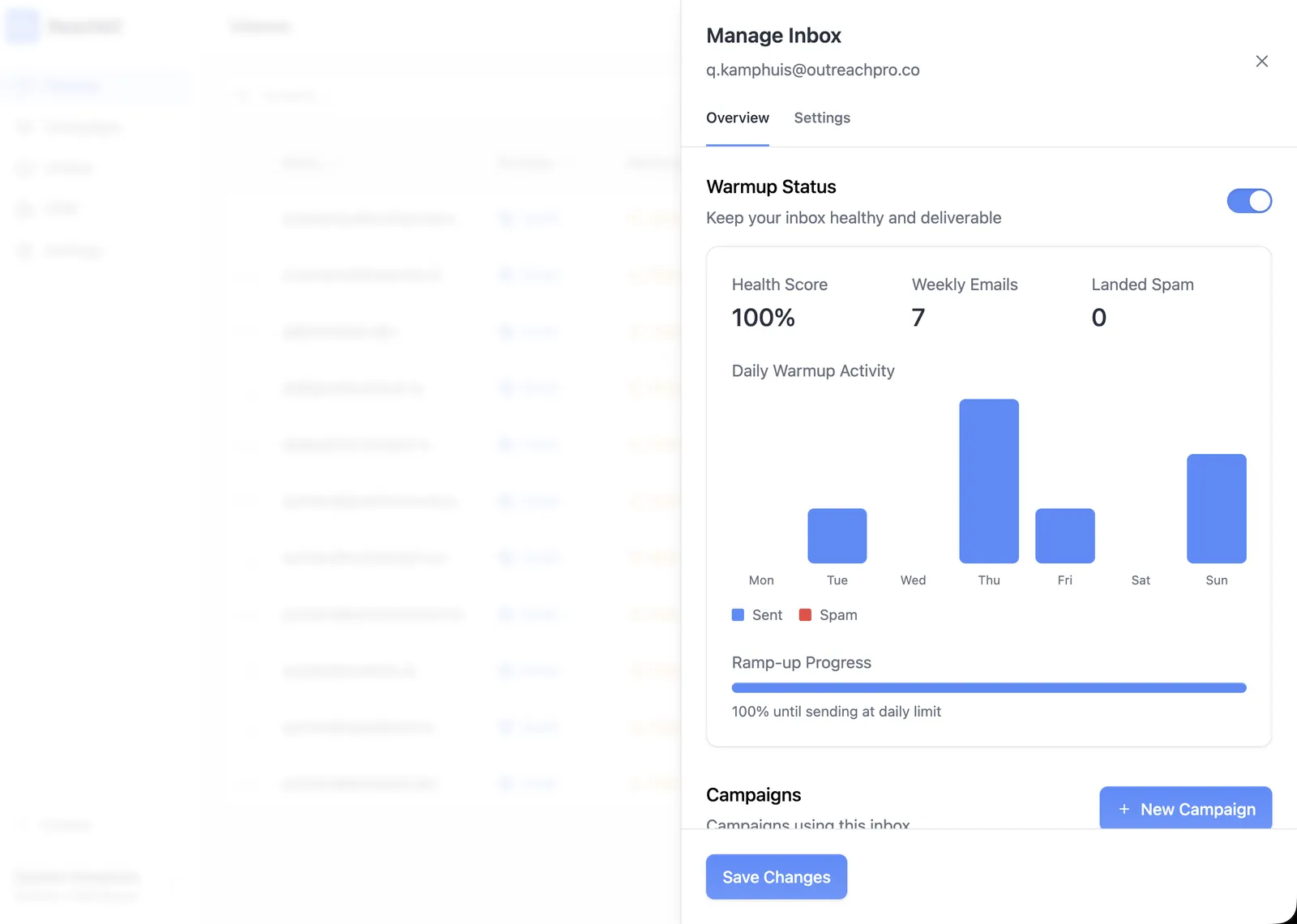
Warmup is the process of building sender reputation before you send real campaigns. The platform sends small, gradual volumes of fake-but-legitimate emails between warmup accounts so Google sees a consistent, healthy sending pattern.
What to expect:
- Week 1. Few sends, with received-and-opened metrics building in the background.
- Weeks 2 to 3. Volume scales up; replies appear in your inbox from other warmup accounts.
- Week 4. You’re ready for real cold sends at small daily volume.
You don’t manage any of this manually. The sending platform handles it. Your job is to wait the four weeks before scaling up real sends.
Testing your setup before real campaigns
Before you send to real prospects, run a test:
- Send a test email from each inbox to your personal Gmail and Outlook accounts. Verify it lands in the inbox, not spam or promotions.
- Check your DNS records with a free tool like MXToolbox or Mail Tester (mail-tester.com).
- Confirm warmup is running in your sending platform’s dashboard. Most show a daily warmup activity log.
If any test fails, fix it before the real campaign. Two days of debugging now beats two weeks of burned reputation later.
Common setup mistakes
The five mistakes I see over and over:
- Sending real campaigns before warmup is done. The fastest way to burn a domain. Wait the four weeks.
- Using your main brand domain for cold email. A spam complaint kills your support email along with your outbound. Always send from secondary domains.
- Skipping DKIM or DMARC. SPF alone isn’t enough in 2026; all three records together are the modern minimum.
- Generic addresses like info@ or team@. Marketing-automation pattern that filters detect. Use real names.
- One inbox doing 100 emails a day. 30 to 50 per inbox per day is the safe ceiling.
FAQ
What is cold email infrastructure? The domains, inboxes, DNS records, and warmup setup that make your sends land in inboxes instead of spam. Without it, even the best copy goes nowhere.
How many domains do I need for cold email? Five to ten domains for typical volumes (1,000 to 5,000 emails per day). Each domain hosts 3 inboxes; each inbox sends 30 to 50 emails per day after warmup.
How long does cold email warmup take? About 4 weeks. The platform handles it automatically. Don’t send real campaigns until warmup is complete.
Should I buy multiple domains for cold email? Yes. Multiple domains protect your main brand domain and let you scale volume safely. Each domain hosts 3 inboxes for redundancy.
What is the 30/30/50 rule for cold emails? A common heuristic: aim for 30% open rate, 30% reply rate of those opens, and 50% positive of those replies. The numbers are aspirational; real-world averages are lower (20-40% open, 1-3% reply on the full send list).
Do I need SPF, DKIM, and DMARC? All three. SPF alone isn’t enough in 2026. DKIM proves the email came from your domain; DMARC tells receivers what to do if either fails (set it to p=none initially, tighten as deliverability stabilizes).
Can I use my main domain for cold email? No. A spam complaint can kill your customer email, support email, and outbound all at once. Always use secondary domains for cold email.
Bringing it home
Cold email infrastructure is unfamiliar, not hard. Domains, inboxes, three DNS records, and warmup. That’s the whole stack.
The actual work fits in an afternoon for the manual path or a single click in Reachkit. Once it’s set up, you forget about it.
The setup is the gate keeping most founders out of cold email. Walk through it once and the whole channel opens up.
Start your in-house build this week, or skip the setup with Reachkit.